ExchangesHow-to
How to Deposit on Binance
Answer
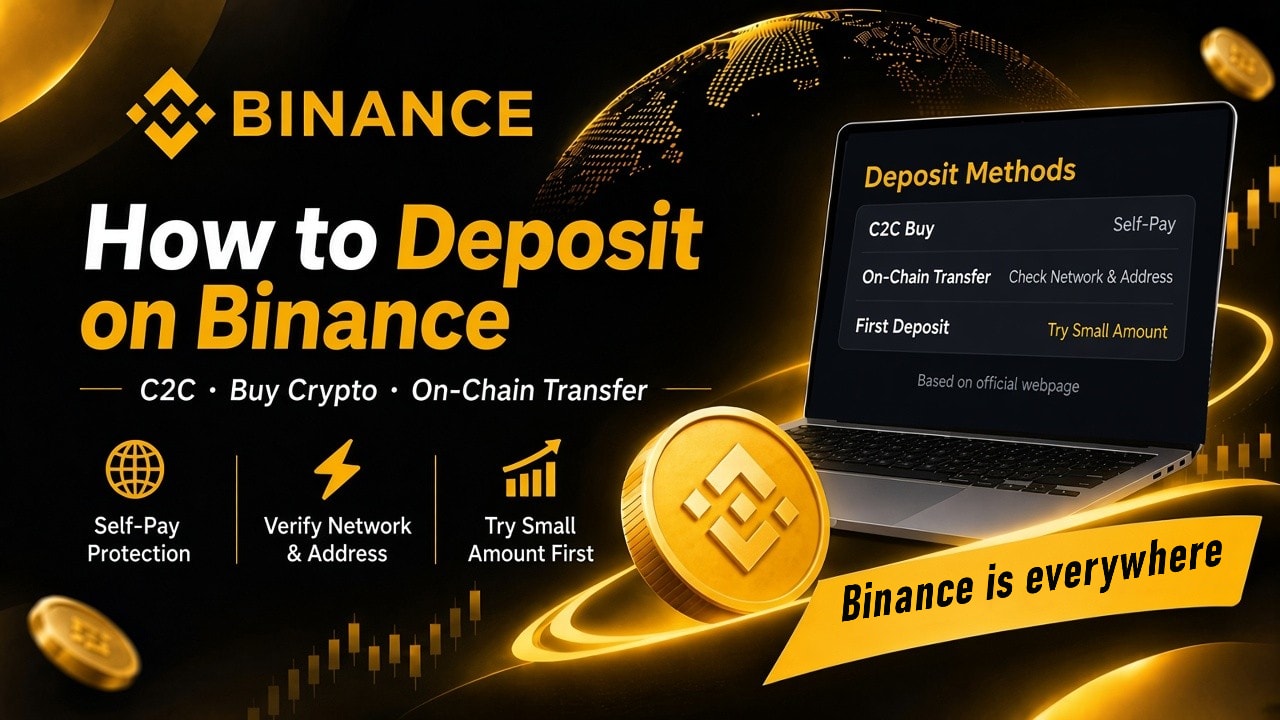
To deposit on Binance, three common paths are: buy USDT via P2P, buy crypto with a credit/debit card on the official Buy Crypto page, or deposit crypto you already hold from another platform or wallet. Speed, cost, and risk differ; available fiat rails, payment methods, and limits depend on where you live and what your App/web shows. Finish Identity Verification and security setup first, and run a small test the first time. Work only on binance.com. No account yet? See How to Sign Up for Binance on a Computer or How to Sign Up for Binance on the Official App. Binance.com does not serve US residents.
Contents
Before you start
- Before you deposit
- Complete required Identity Verification; turn on 2FA (often required for P2P); payment account name matches your verified name; first transfer is a small test
- How to choose a path
- Care about cost and can pay from your own bank/e-wallet → often P2P; small amount and want speed → often Buy Crypto / card; already hold USDT elsewhere → on-chain deposit
- Official entry
- https://www.binance.com/en ; domain must be binance.com
- Regional differences
- Fiat rails, P2P availability, card schemes, and bank policies vary by region. This page does not guarantee any single method where you live
- This site's referral code
- If a Referral ID field appears at sign-up, you may enter DQ888; if you skipped it, see the referral bind guide
Three common deposit paths (labels follow the live App/web UI)
Sign in to official Binance and confirm deposit-related verification and security items are done. If you have no account, finish sign-up and 2FA first. Do not enter through search ads or DM short links.
Check: Address bar is binance.com; you can open Deposit / Buy Crypto / P2P, or the page clearly states which verification step is missing.
Path 1 · P2P buy USDT: open Trade → P2P (or the equivalent entry), choose Buy, asset USDT, and the fiat currency you will pay. Prefer sellers with many completed orders and a high completion rate, and read the trade terms first.
Check: Still inside official P2P; you read the seller terms; fiat and asset choices are correct.
After you place a P2P order, Binance escrows the seller's crypto. Within the time limit, pay only from an account in your own name to the payment details shown on the order page. Mark Paid / Notify seller only after you have paid — never before. When the seller releases, funds usually land in Funding; if release times out, use the order-page appeal flow.
Check: Payment account is yours; payee details match the order page; you did not mark paid early; balance matches what the App shows.
Path 2 · Buy Crypto (card and similar): from Home or Assets open Buy Crypto, pick an available card (or other shown) method, choose asset and amount, and bind a supported card. On the confirm page check quantity and fees, then finish bank-side verification inside the official flow.
Check: Still on binance.com; you reviewed fees; bank verification stayed in the official flow. Some banks decline crypto purchases or treat them as cash advances.
Path 3 · Deposit from another platform or chain: open Assets → Deposit, pick the asset (for example USDT), pick the network (TRC20, BEP20, ERC20, and others as listed), copy the deposit address. On the sending platform the network must match. Send a small test first, then the rest after it arrives.
Check: Deposit address came from the official page; send network matches deposit network; small test arrived. Wrong network is a common way to lose funds; same-ticker assets on different networks are not interchangeable.
After funds arrive, if you need spot trading, use Assets → Transfer to move them into Spot (transfer rules follow the official UI). Depositing is not the same as opening a position — follow the trade or futures guides separately.
Check: Target wallet balance matches expectations; transfer history is visible in the official account.
What this page does not cover
- Only covers deposits via binance.com / the official App; no OTC proxy deposits, unofficial "channels," or paying on someone else's behalf.
- Does not guarantee P2P, card buy, or any network deposit in every country. Binance.com does not serve US residents. Follow the official page and local rules.
- Do not pay from someone else's account or pay for someone else; pay only to details on the order page; refuse off-platform "cheaper" deals.
- Fees, minimums, arrival times, and bank policies change; this page does not promise a fixed cost.
- This page is not financial advice and does not promise returns.
FAQ
Which wallet holds USDT bought on P2P?
It usually lands in Funding. For spot, use Assets → Transfer into Spot; whether transfer is free and instant follows the official rules.
What is the minimum deposit?
P2P follows each seller's minimum; Buy Crypto and on-chain deposits follow the amounts shown on the page.
Do I need to report deposits for tax?
Follow tax and FX rules where you live and keep records. This page does not give tax advice.
The seller asks me to pay a different account?
Refuse. Pay only the details on the order page. Any request to leave the platform or cancel first is high risk.
After I paid, they ask me to cancel the order?
Do not cancel unless you have confirmed their refund arrived. Stay on the order page and appeal if needed.
I do not have a Binance account yet?
Start with How to Sign Up for Binance on a Computer or How to Sign Up for Binance on the Official App. Referral code DQ888 is optional; if skipped, see How to Add a Binance Referral Code After Signing Up.